What is AnnotaMark?
AnnotaMark is a Chrome extension and web dashboard for annotating, highlighting, and drawing on live web pages. It also includes whiteboards, sharing, cloud sync, and organized review workflows.
AnnotaMark is a Chrome extension for annotating web pages and a web dashboard for organizing that work. These answers cover the core product, browser support, free and premium plans, cloud sync, whiteboards, sharing, and indexing decisions.
Answers
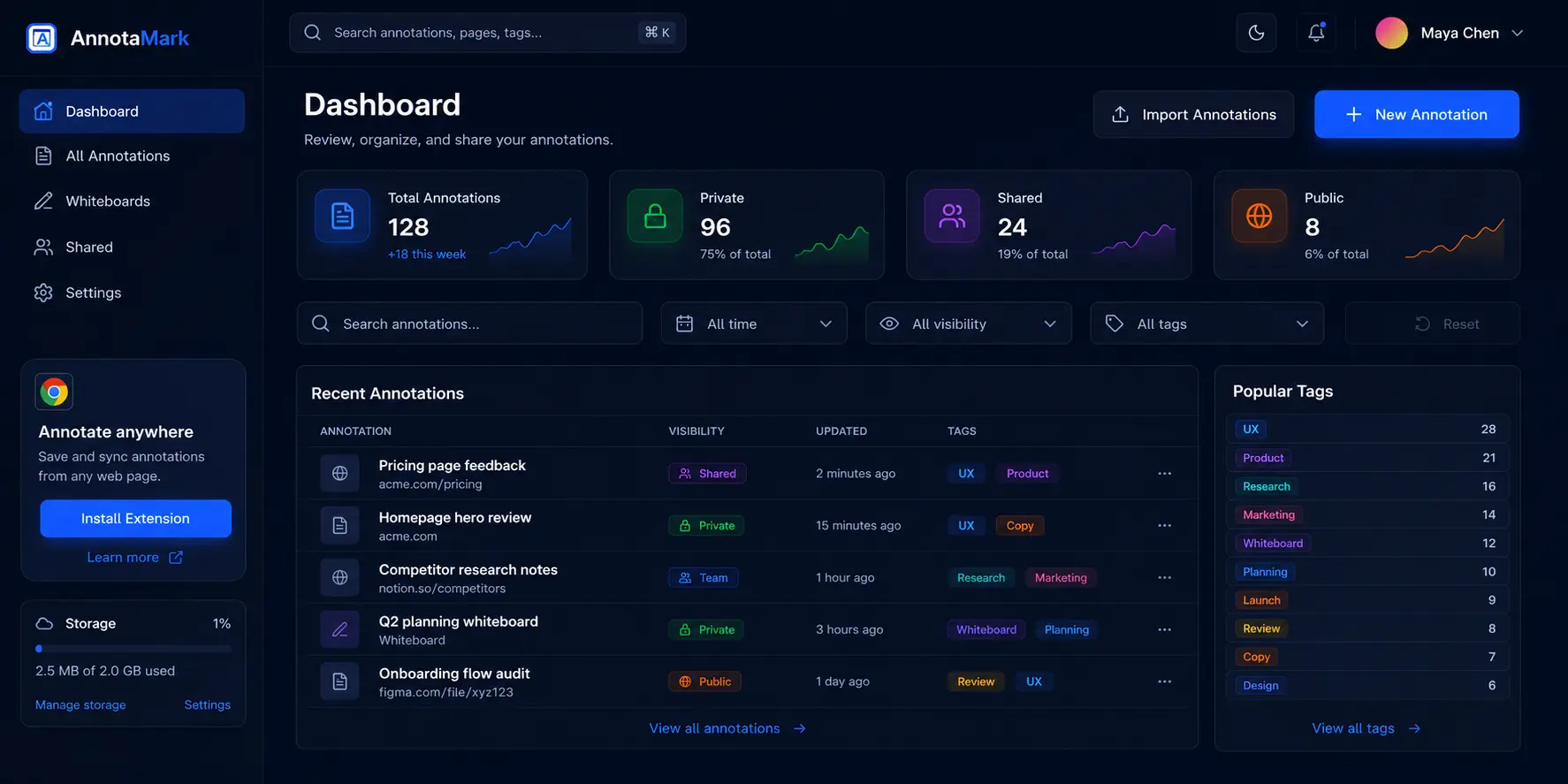
AnnotaMark is a Chrome extension and web dashboard for annotating, highlighting, and drawing on live web pages. It also includes whiteboards, sharing, cloud sync, and organized review workflows.
Yes. AnnotaMark has a free plan for core annotation and highlighting tools. Premium adds 2 GB cloud sync, whiteboards, advanced annotation tools, import, and export.
AnnotaMark is built for Chrome and Chromium-based browsers such as Microsoft Edge and Brave.
AnnotaMark is designed to let you draw, highlight, add shapes, and place sticky notes directly on live web pages from the browser extension.
Premium users can sync annotation sessions and whiteboards to the AnnotaMark dashboard. Synced work can be reviewed, organized, shared, and reopened later.
Yes. Designers can mark up live websites with arrows, shapes, highlights, sticky notes, and freehand drawing, then share clearer visual feedback with developers or clients.
Yes. QA teams can point to exact UI problems on a live page, add visual callouts, and share annotation context with developers.
No. User-generated shared annotation pages are intentionally marked noindex because they may contain private, thin, or project-specific content.